


Introduction
Businesses rely on data scraping for all kinds of insights—whether it’s e-commerce teams watching rival prices, financial firms tracking market swings, retailers checking stock levels, or marketing groups gauging customer sentiment. To meet these needs, the market now offers everything from simple, no-code scraping apps to developer-oriented libraries like Beautiful Soup and Scrapy, plus advanced, cloud-based AI services that automatically solve CAPTCHAs and render JavaScript-heavy pages. You can pick a ready-made service or build an in-house solution if you have the expertise.
- Maintenance overhead: Homegrown scrapers deliver full control but require frequent updates as target sites evolve.
- Time to value: Commercial platforms can be deployed quickly but may not accommodate every bespoke workflow.
- Compliance & security: Respecting robots.txt policies, rate limits and applicable regulations is essential—and often challenging.
- Scalability: Managing sudden spikes in data volume or crawling hundreds of sites demands a robust, distributed infrastructure.
In this article, we’ll walk through the top scraping solutions on the market, weigh the pros and cons of building your own versus buying a ready-made platform, and show how PinoByte brings together developer flexibility, enterprise-grade reliability, and AI-powered data cleaning into one seamless package.
TL;DR — which web scraping tool should you use?
- Small, one-off jobs, no code: Octoparse or ParseHub — point, click, export. Great until you hit rate limits or serious anti-bot.
- AI structured extraction at moderate scale: Diffbot — no selectors to maintain, but you pay per credit and it struggles on the hardest sites.
- Full control at the lowest cost per page (engineers on hand): Beautiful Soup / Scrapy — free and flexible, but you own the maintenance and anti-bot.
- High volume or business-critical (100k+ pages/day) without building a team: a managed scraping engine — fast HTTP → proxy chains → browser rendering with built-in fallback, billed on traffic, not per page.
Rule of thumb: no-code tools win on time-to-first-result; custom engines win on cost, scale and reliability once volume is real. You can try a scraping engine on any URL in seconds, no signup.
Web scraping tools compared at a glance
| Tool | Best for | Code needed | JS rendering | Anti-bot / CAPTCHA | Pricing model | Practical scale |
|---|---|---|---|---|---|---|
| Octoparse | No-code point-and-click | None | Yes | Basic (higher tiers) | Plan / credits | Low–medium |
| ParseHub | No-code desktop app | None | Yes | Limited | Plan / requests | Low |
| Diffbot | AI structured extraction | API | Yes | Good | Per credit | Medium |
| Beautiful Soup / Scrapy | Custom parsing in Python | High | Add-on | DIY | Free (self-run) | Any (you build it) |
| Managed engine (e.g. Pinobyte) | High volume, hard anti-bot | None (managed) | Yes | Commercial-grade | Traffic-based | Very high (1M+/day) |
Octoparse
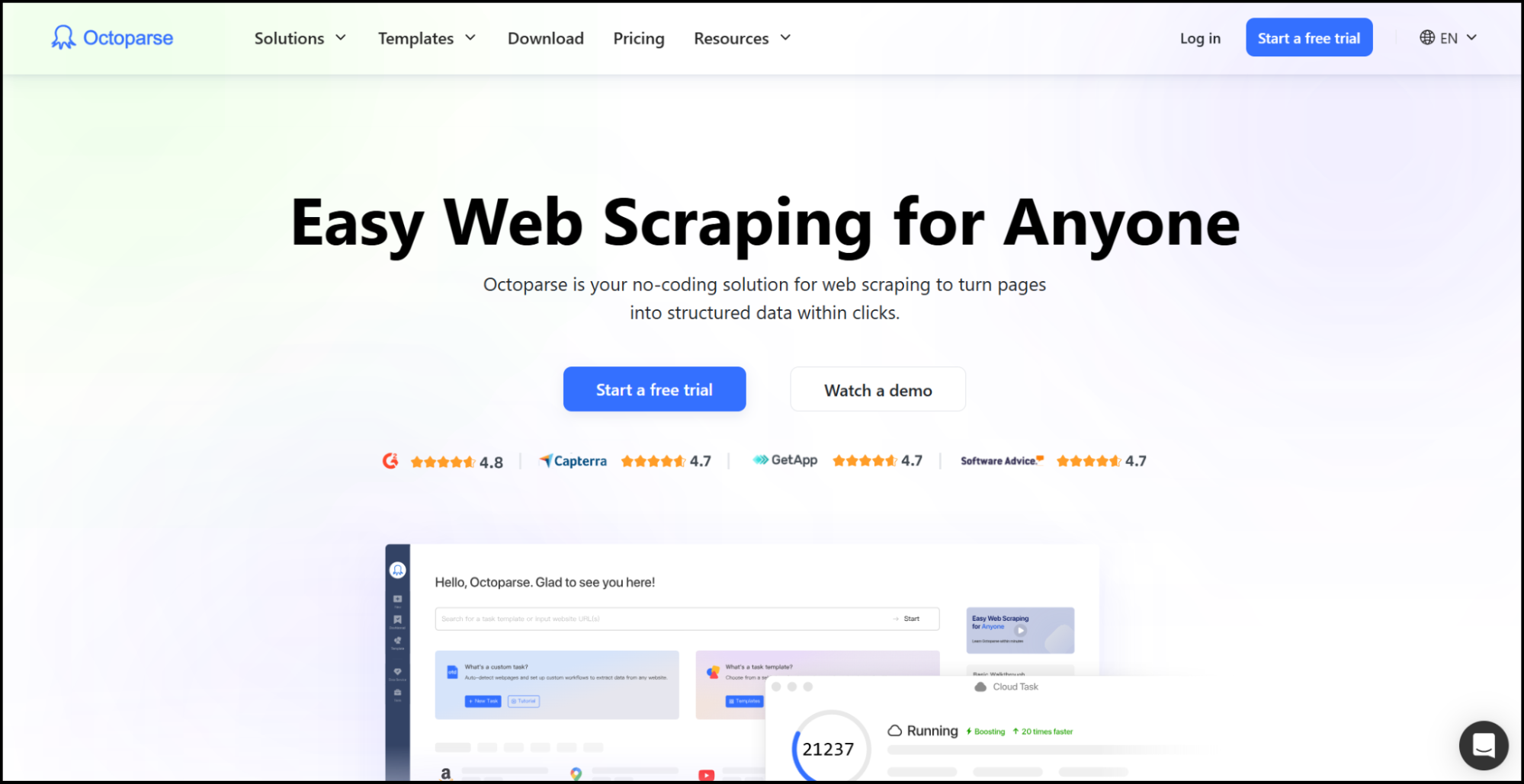
Let’s kick off with Octoparse—a no-code scraper that even non-techies can master in minutes. You simply load a page, click on the bits of data you want (login forms, dropdowns, endless scrolls or AJAX-loaded content—all handled automatically), and hit “Go.” In the cloud, Octoparse quietly swaps IPs and proxies to dodge blocks, lets you set up one-time or recurring runs, and will retry from the last successful step if a task fails. When it’s done, grab your data as CSV, Excel, HTML or TXT—or hook straight into their REST API and feed results right into your dashboards. With its intuitive interface, robust anti-blocking measures, and flexible output options, Octoparse makes web data extraction seamless for many projects.
Easy to use? Sure. But for high-volume use cases, most ready-to-use solutions including Octoparse are slow. Typically, when you trigger a parsing flow, they spin up a new Docker instance (or similar environment) and begin crawling the required pages asynchronously. You then have to fetch the results asynchronously as well, which can be inefficient and time-consuming.
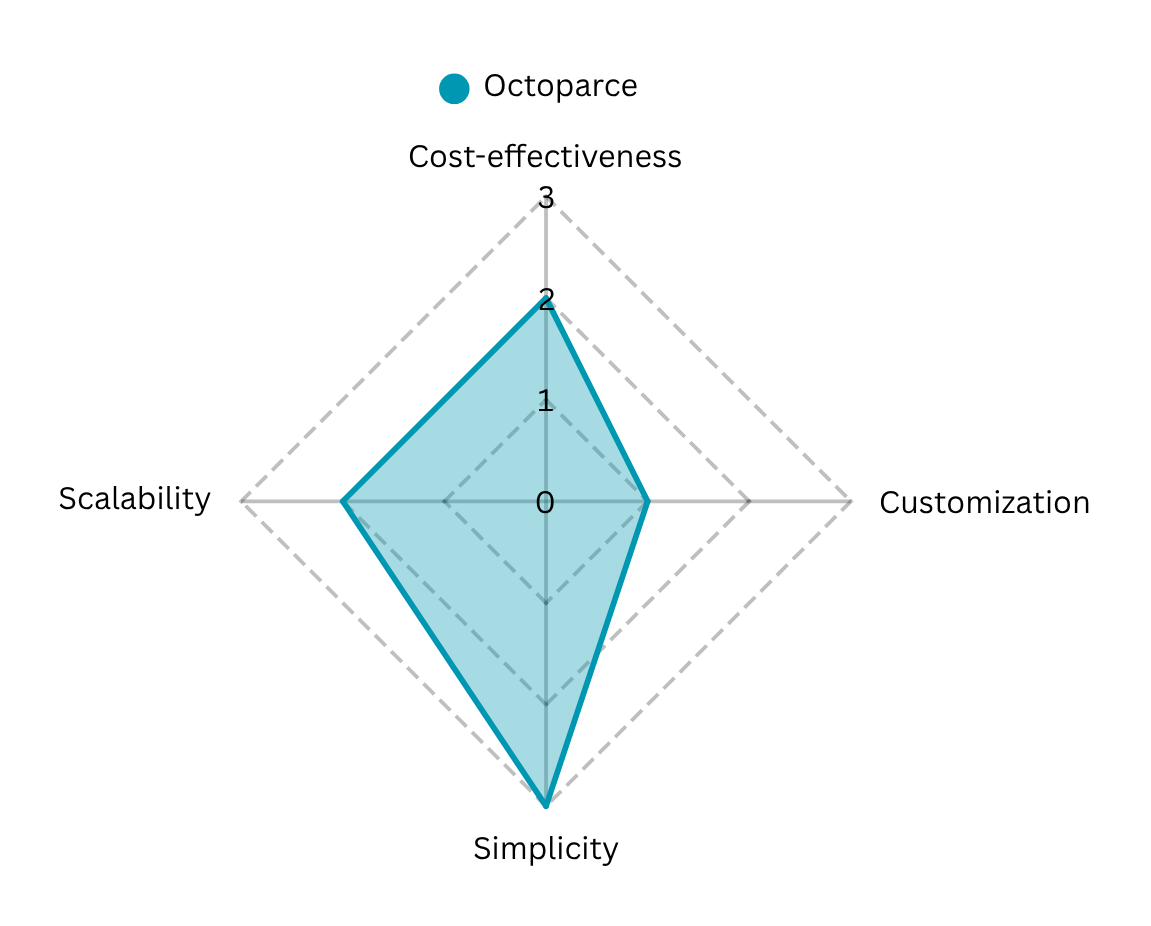
Advantages:
- Drag-and-drop setup and automatic field detection mean you’re up and running in minutes.
- You can handle logins, dropdowns, infinite scroll and AJAX-loaded elements without a single line of code.
Limitations:
- Hundreds of concurrent crawls can strain even the Enterprise Plan—extra infrastructure may be needed.
- Extremely bespoke extraction logic can exceed what the visual builder natively supports, forcing workarounds.
- Advanced proxy pools, high concurrency and AI-based CAPTCHA solving all sit behind pricier tiers.
ParseHub
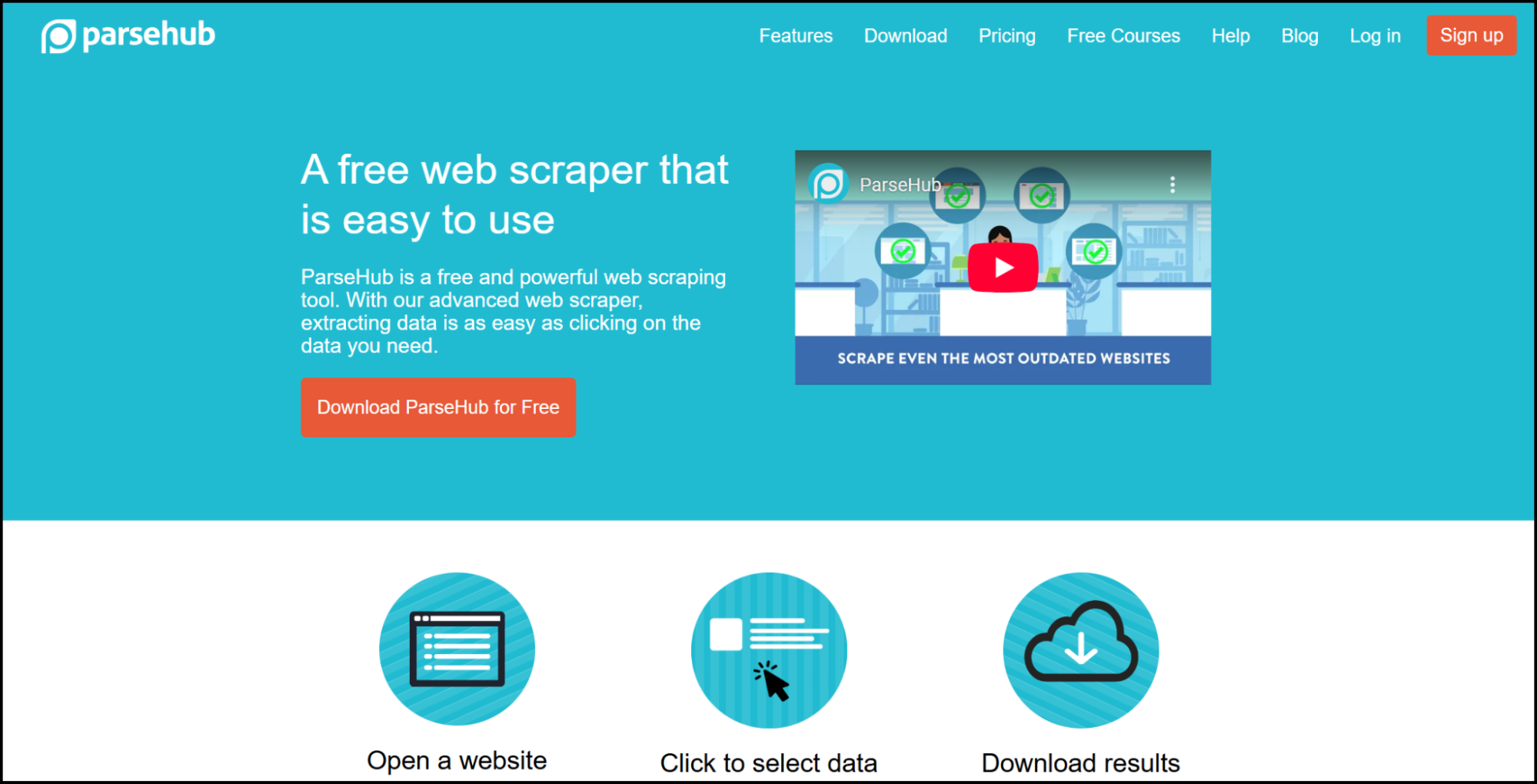
ParseHub is another popular no-code scraper but this time you can install it on Windows, macOS, or Linux (with a free starter tier). Its visual interface lets you click to select the data you need, while built-in tools cover pagination, task scheduling, and API access for fetching results. You can even hook into webhooks for instant data delivery, making it ideal for teams who want automated scraping without any coding.
This simplicity comes at a price. When choosing ParseHub or a similar tool, keep in mind that most ready-to-use scraping solutions limit the number of requests included in your subscription. More importantly, even on business or premium plans, these limits are so low that for applications requiring 100,000, 200,000, or 300,000 requests per day, it’s simply impossible to use these services effectively.
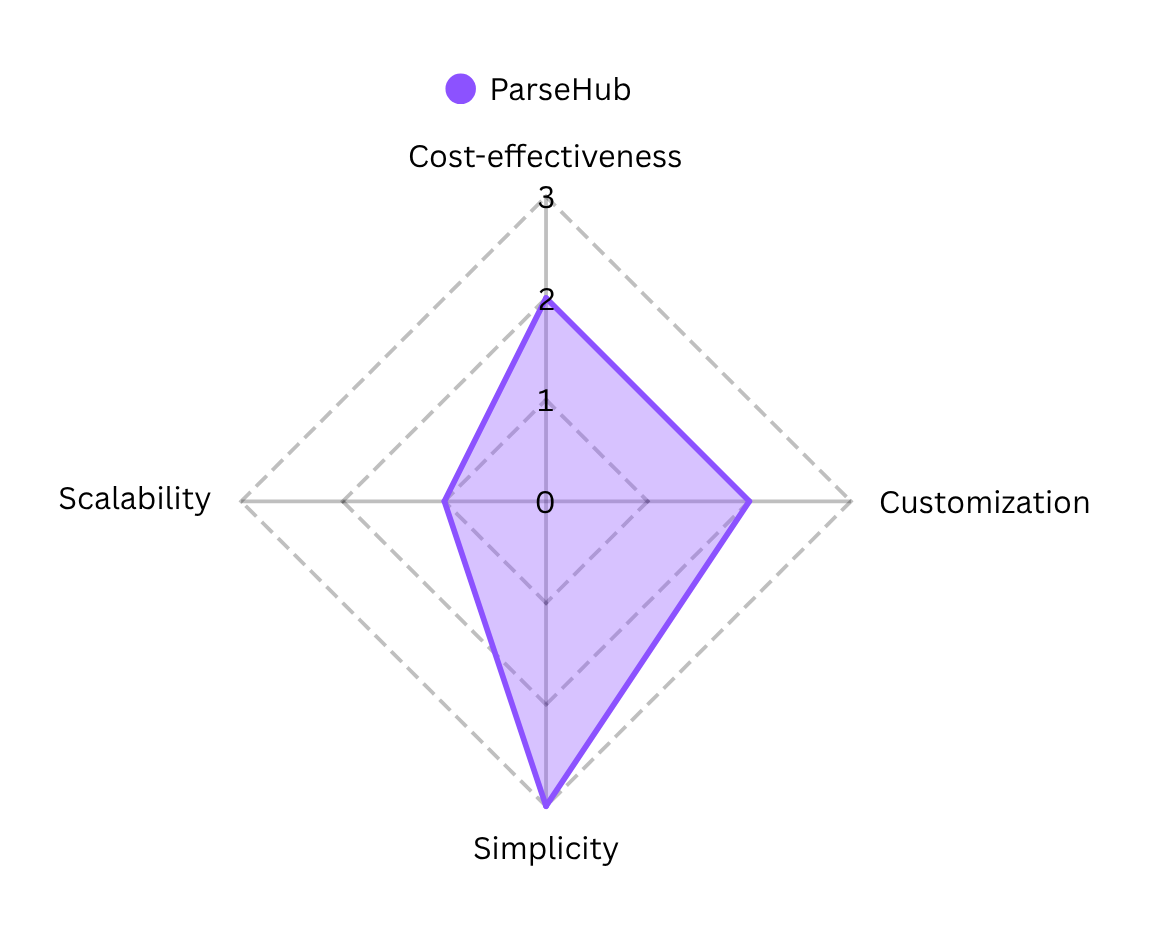
Advantages:
- ParseHub runs on Windows, macOS, and Linux, so you can build and validate workflows locally before moving to cloud-based execution.
- You can schedule jobs, leverage a full REST API, and trigger webhooks on completion—no manual polling required.
Limitations:
- Entry plans restrict threads and pages per run, which can slow high-volume or time-sensitive extractions.
- Advanced logic (nested loops, conditional steps) can get tricky in the visual editor, requiring practice.
- As ParseHub lacks built-in CAPTCHA handling you’ll need external solutions or manual steps to bypass CAPTCHA-protected pages.
Diffbot AI-Powered API
Diffbot is an AI-driven service that uses machine learning and computer vision to extract structured data from web pages. It automatically identifies page elements (articles, products, discussions, etc.) and returns them in a structured format. Diffbot provides public APIs and even a global Knowledge Graph of over 2 billion entities, enabling enterprises to “read” the web like a database. This makes Diffbot well-suited for organizations needing large-scale, automated extraction and semantic understanding of web content with minimal manual setup.
Advantages:
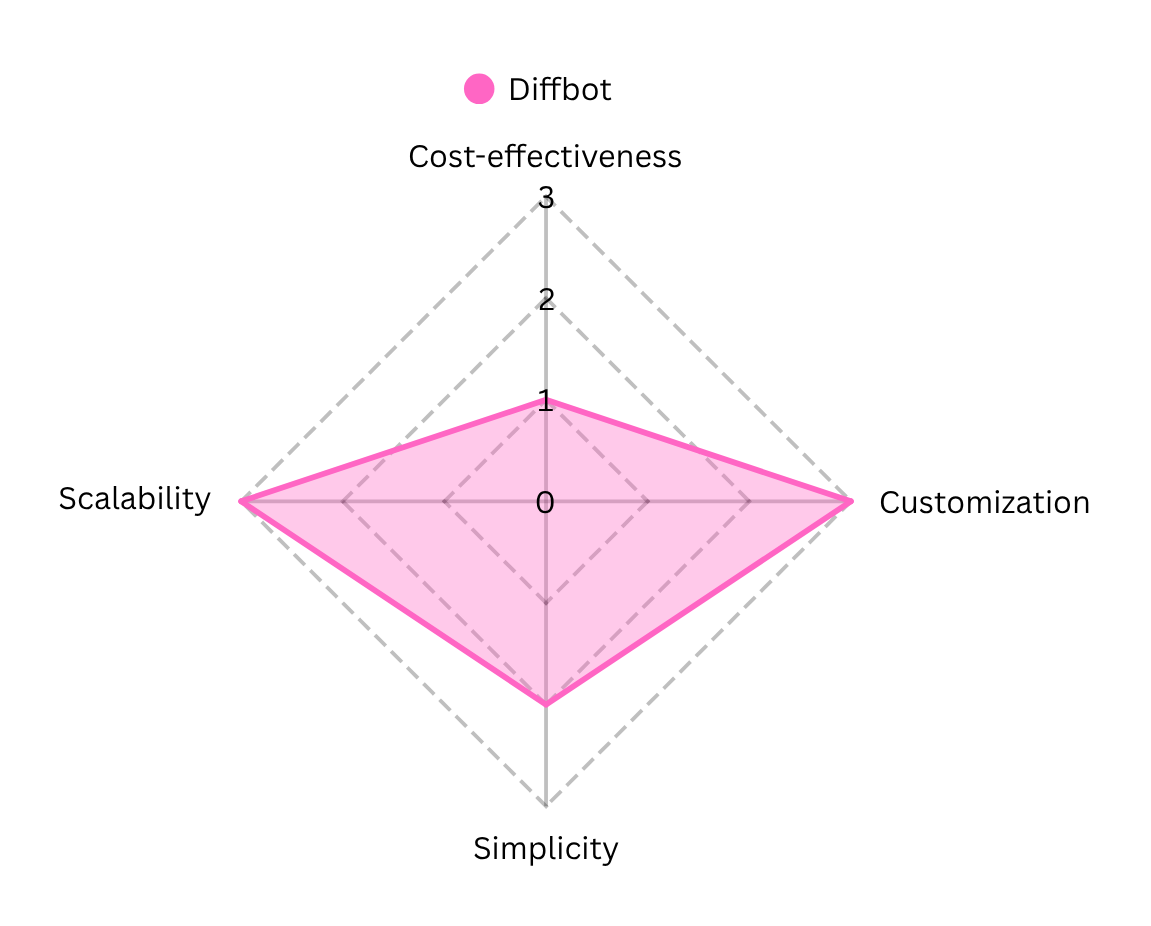
- Eliminates manual scraping rules by using computer vision and ML to “see” and interpret pages, reducing setup time and maintenance compared to traditional scrapers.
- Offers one of the largest commercial Web knowledge graphs, with over 2 billion entities and ten trillion facts—ideal for semantic search, enrichment, and analytics.
Limitations:
-
Pricing is consumption-driven and can be unpredictable; overages are billed at the per-credit rate, making budgeting challenging for high-volume or variable workload
-
The AI decides how to interpret a page—if it misclassifies content, you have limited ability to tweak its “understanding.”
API calls consume credits and are subject to rate limits; hitting these thresholds can result in 429 errors or delayed data retrieval until quotas reset. Real-time page analysis via an external API can be slower than an in-house scraper hitting your own proxies.
Custom Solutions using Beautiful Soup
Now let’s move into the “build” part. Today’s developer toolkit is vast, but when it comes to pure HTML/XML parsing, Beautiful Soup remains the go-to Python library. Unlike the above tools, it requires programming skills, but it offers great flexibility. Beautiful Soup can handle poorly formed or complex web pages and lets developers use Python logic to navigate and extract data from the DOM. Its extensive documentation and large community mean it’s relatively easy to learn. In short, Beautiful Soup is ideal for developers who want a free, scriptable tool to perform custom parsing tasks.
Advantages:
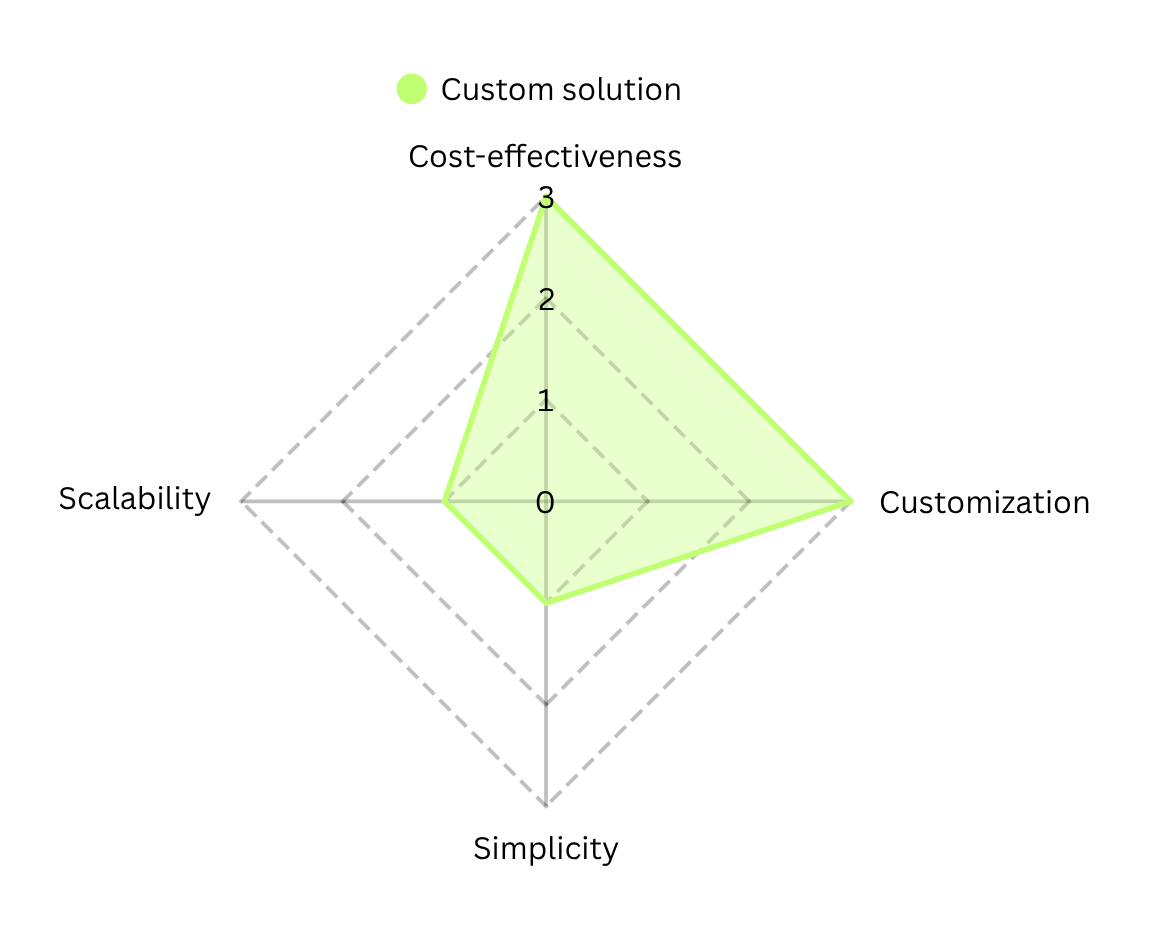
- Beautiful Soup is fully open source. The source code is publicly hosted so you can review, contribute to, or fork the project under the terms of its open-source license.
- Beautiful Soup’s API is designed with Pythonic idioms that make DOM traversal and data extraction intuitive, and it integrates seamlessly with other libraries making such solutions highly customizable.
Limitations:
- Because it’s a library rather than a GUI tool, you must write, debug, and maintain Python scripts for every scraper you build.
- Beautiful Soup cannot execute JavaScript; to scrape dynamic content, you need external headless browsers or rendering tools, adding complexity.
- Whenever a website’s structure changes, your parsing logic can break, requiring manual updates to selectors and traversal code.
Building on Beautiful Soup or Scrapy is the right call for full control — but at scale the hard part isn’t parsing, it’s everything around it: proxies, anti-bot, retries, monitoring and keeping hundreds of parsers alive. For a real-world picture of that, see how we run a large-scale aggregator in production (1M+ listings, 500k+ requests/day).
PinoByte’s Scraping Engine
There’s a fifth option this comparison usually leaves out: a scraping engine that already does the hard parts for you, without locking you into per-page credits or forcing you to maintain infrastructure yourself.
That’s what we built. You can point our engine at almost any URL and get back clean, structured data — try it right now in the Playground, no signup. Under the hood it isn’t a single scraper; it’s a pipeline that automatically picks the cheapest route that works.
We call this fallback logic, and it’s baked into the engine rather than something you wire up by hand. For any target, the engine escalates only as far as it has to:
- Fast HTTP first. Most pages are fetched with a lightweight, browser-accurate HTTP client — no headless browser, so it’s fast and cheap. Often the data is right there in the HTML or in embedded JSON.
- Proxy chains next. When a site pushes back, the engine rotates through a chain of proxies — datacenter, residential, then mobile — to stay reliable. Because proxies are billed on traffic rather than per parsed page, this path is frequently ~10x cheaper and faster than burning credits on a generic scraping API.
- Full browser rendering last. Only when a target really needs it does the engine spin up a stealth browser to render JavaScript and clear anti-bot challenges — so you pay for that heavyweight path only when it’s genuinely required.
Monitoring, retries, and a real backup strategy aren’t optional add-ons here — they’re the foundation. Every route is watched, and if one fails the engine falls back to the next instead of returning you an empty page.
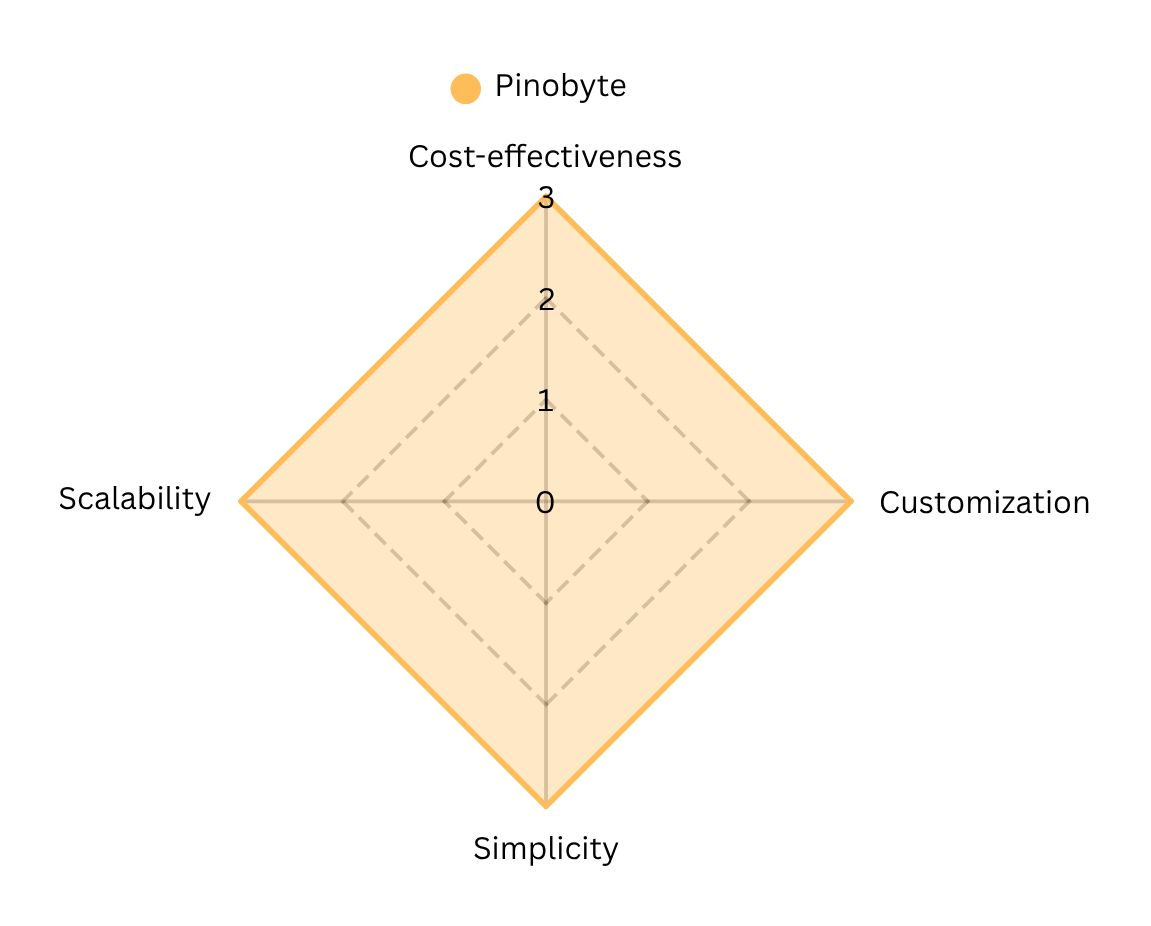
For high-volume or business-critical work, our team wraps the engine in custom logic tailored to your sources — dedicated parsers, per-site fallbacks, and compliance rules — and runs it in the cloud or on-premises, so you get an enterprise-grade pipeline without maintaining a scraping stack in-house.
Curious to see it at scale? Read the Multi-Channel Auto Aggregator success story — the same engine handling 1M+ requests a day — or book a call to talk through your use case.
FAQ
What is the best web scraping solution in 2026?
There is no single “best” web scraping solution. No-code tools work well for small projects, AI scraping APIs are useful for rapid extraction at scale, and custom scrapers are best for high-volume, business-critical pipelines where reliability, cost control, and flexibility matter.
Are no-code web scraping tools suitable for large-scale projects?
No-code tools like Octoparse or ParseHub are great for quick setups but often struggle with high request volumes, complex logic, or strict reliability requirements. At scale, they tend to become slow, expensive, or difficult to control.
What is the difference between web scraping APIs and custom scrapers?
Web scraping APIs abstract away infrastructure and anti-bot challenges but usually charge per request or credit. Custom scrapers give full control over logic, proxies, and costs, but require engineering effort and ongoing maintenance.
How do you scrape JavaScript-heavy websites?
JavaScript-heavy websites require rendering via headless browsers or specialized scraping services. Many modern scraping pipelines combine HTML parsing, headless rendering, and fallback strategies to balance speed and reliability.
Is web scraping legal for businesses?
Web scraping is generally legal when collecting publicly available data, but businesses must respect website terms, robots.txt policies, and data protection regulations such as GDPR. Legal compliance should always be evaluated per use case and jurisdiction.
How can companies avoid getting blocked while scraping data?
Avoiding blocks requires a combination of rate limiting, proxy rotation, browser fingerprinting control, and fallback strategies. Enterprise-grade scraping systems are designed with resilience and monitoring to handle blocking gracefully.
When does it make sense to build a custom scraping solution?
Custom scraping makes sense when data extraction is mission-critical, volumes are high, costs need to be optimized, or off-the-shelf tools can’t handle the required logic, performance, or reliability.
Which web scraping tool is best for beginners?
For beginners, no-code tools like Octoparse and ParseHub are the easiest starting point — you select data by clicking, with no programming required. They’re ideal for small, occasional jobs. As volume, reliability, or anti-bot requirements grow, teams typically move to an API, a custom scraper, or a managed scraping engine.
Do web scraping tools handle CAPTCHAs and anti-bot protection?
It varies widely. No-code tools offer basic IP rotation, usually on higher tiers. AI scraping APIs handle common protections but can fail on the hardest targets. Reliably passing commercial anti-bot systems — Cloudflare, DataDome, Akamai, PerimeterX, Imperva — at scale generally requires a purpose-built engine with proxy chains, fingerprint control, and browser rendering used only when needed.
How much do web scraping tools cost?
No-code tools and AI APIs usually bill per plan or per credit/request, which gets expensive fast at high volume. Custom scrapers are effectively free to run but cost engineering time to build and maintain. A managed engine billed on downloaded traffic rather than per parsed page is often far cheaper at scale — sometimes ~10x — because you’re not paying a premium for every page.
Need a Custom Scraper?
Unlock faster, cheaper, and fully tailored data extraction built for your business. The quickest way to see what we can do is to run a URL through our scraping engine yourself — no signup, no setup.
Alex Konon — Co-Founder at PinoByte · LinkedIn

